
Settings
Account
See who you're signed in as, and where to change your profile and organisation.
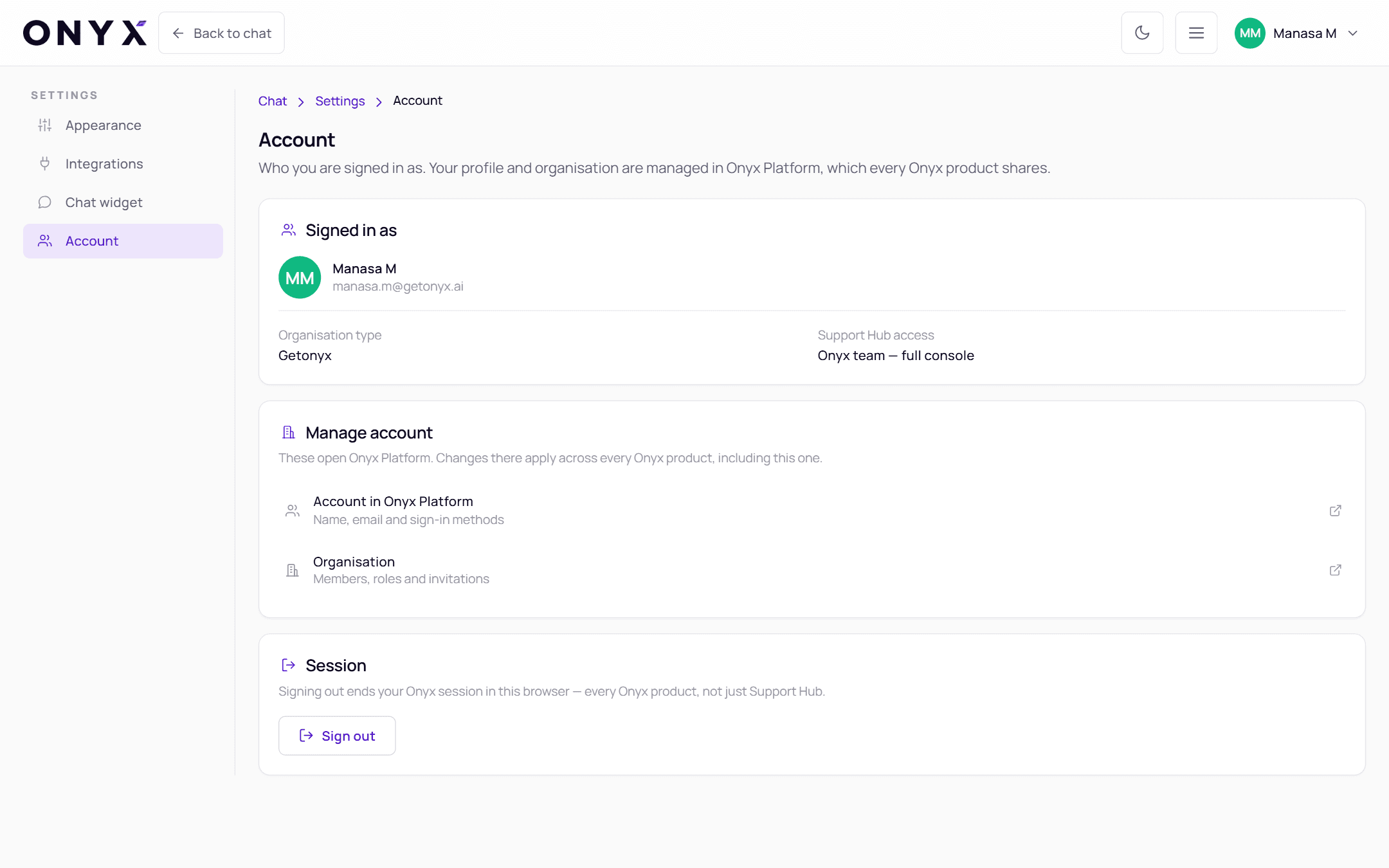
Settings → Account shows who you are signed in as. Your profile and organisation are managed in Onyx Platform, which every Onyx product shares — nothing on this page edits them.
Signed in as
Your name and email, your Organisation, its Organisation type (for example Partner or Customer) and your Support Hub access — member, Organisation admin, or Onyx team — full console.
Manage account
These open Onyx Platform. Changes there apply across every Onyx product, including this one.
| Link | Change |
|---|---|
| Account in Onyx Platform | Name, email and sign-in methods |
| Organisation | Members, roles and invitations (admins) |
The same links are in the Account menu as My profile and Organization.
Session
Sign out ends your Onyx session in this browser — every Onyx product, not just Support Hub.