
Organization
Your organisation's details, and creating child organisations for the partners and customers you manage.
Organization (Settings → Org Management) shows your Onyx organization details and managed workspace.
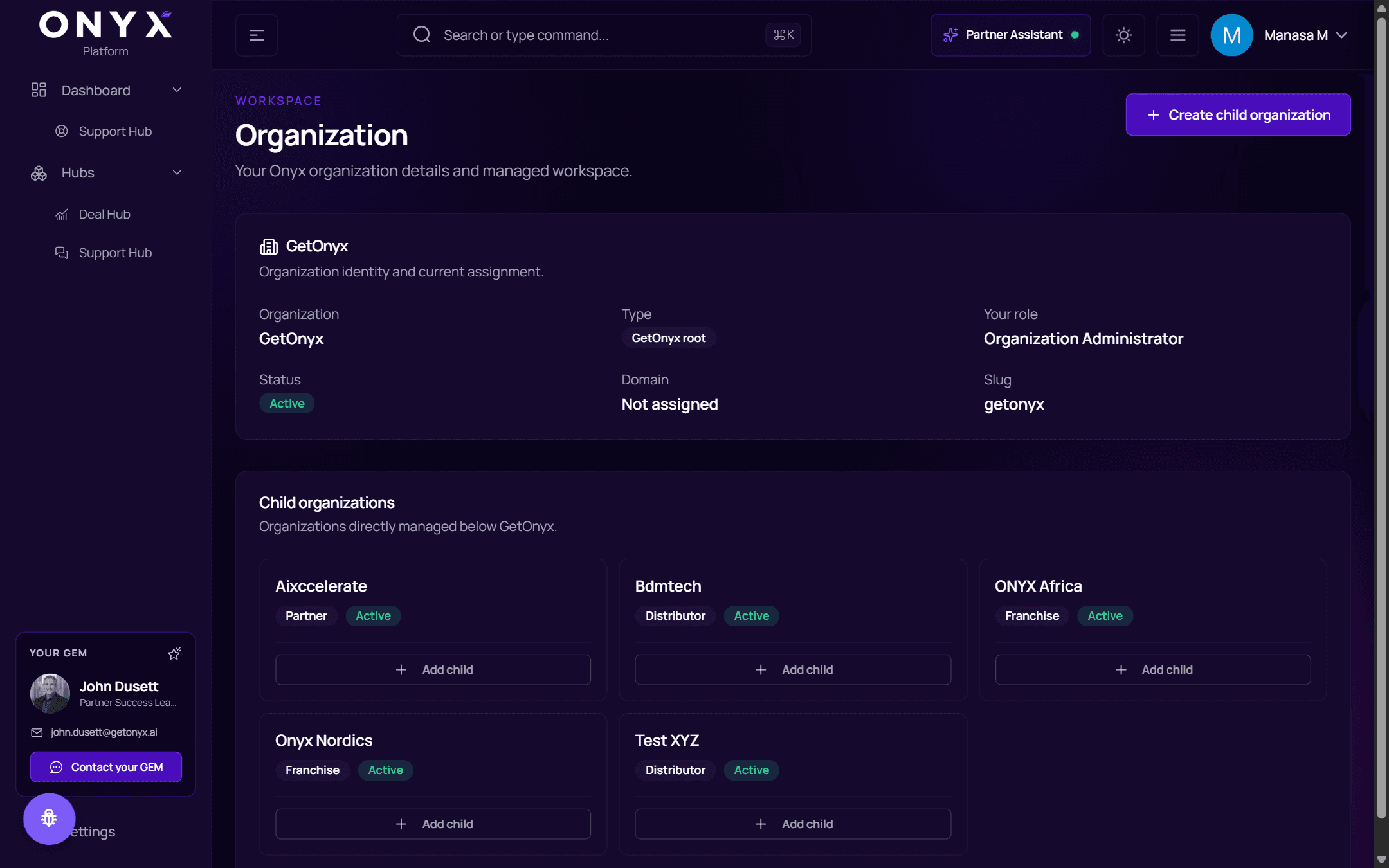
Your organisation
Organization identity and current assignment:
| Field | |
|---|---|
| Organization | Its name |
| Type | For example Partner, Distributor, Franchise or Customer |
| Your role | Organization Administrator or Member |
| Status | Active |
| Domain, Slug | Its web domain and short identifier |
Child organisations
Organizations directly managed below yours — for example the partners, distributors or customers you look after — each with its type and status.
Create a child organisation
Choose Create child organization (top right), or Add child on an existing child to create one beneath it.
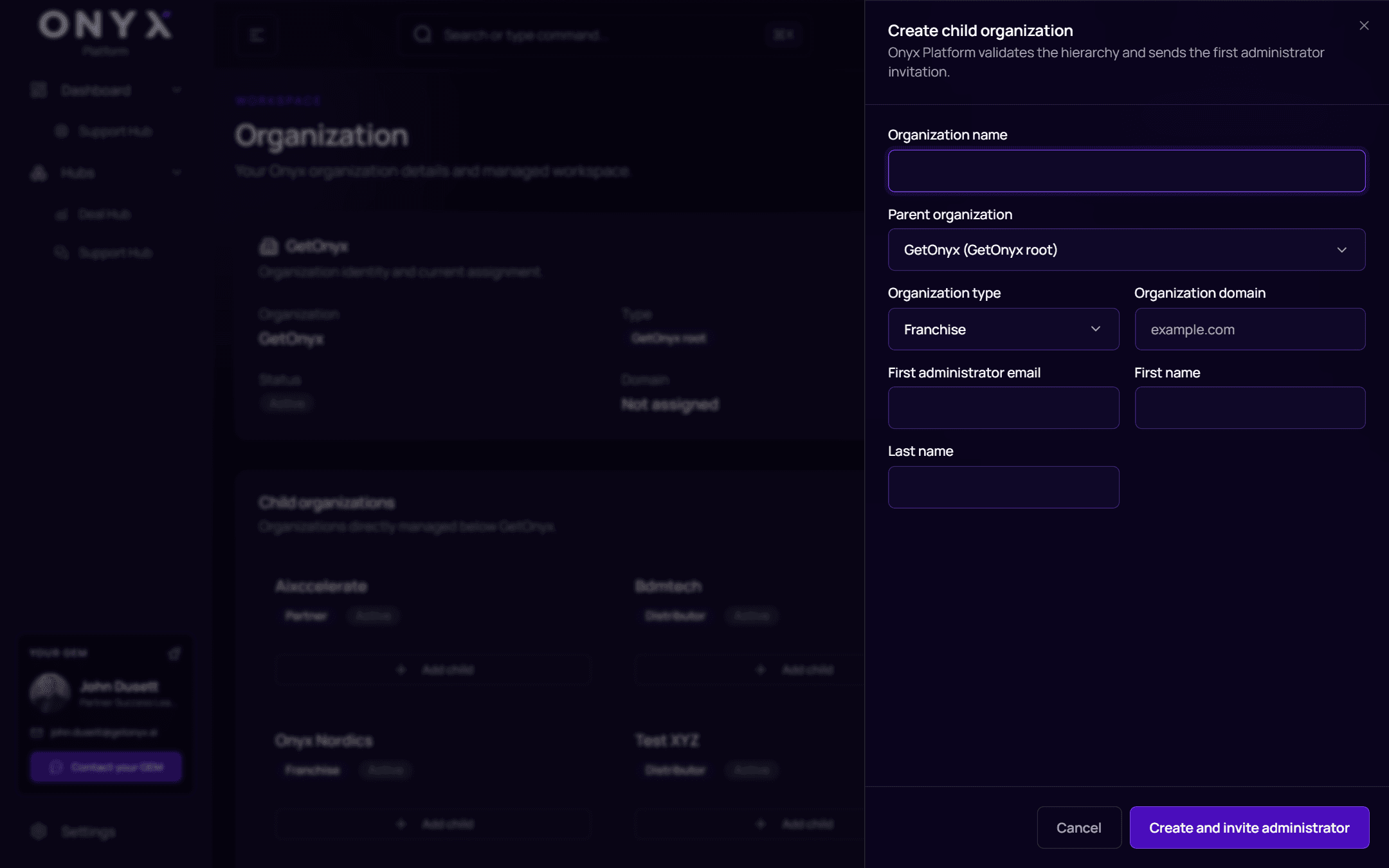
Fill in:
| Field | |
|---|---|
| Parent organization | Where it sits in your hierarchy |
| Organization name | |
| Organization type | Partner, distributor, franchise or customer |
| Organization domain | For example example.com |
| First administrator email, First name, Last name | The person who will run it |
Choose Create and invite administrator. You'll see Child organization created — it is ready and its first administrator has been invited.
The new administrator can then invite their own team from Team.