
Hubs
Open the Onyx hubs enabled for your organisation, or request access to one.
Hubs lists the applications enabled for your organisation.
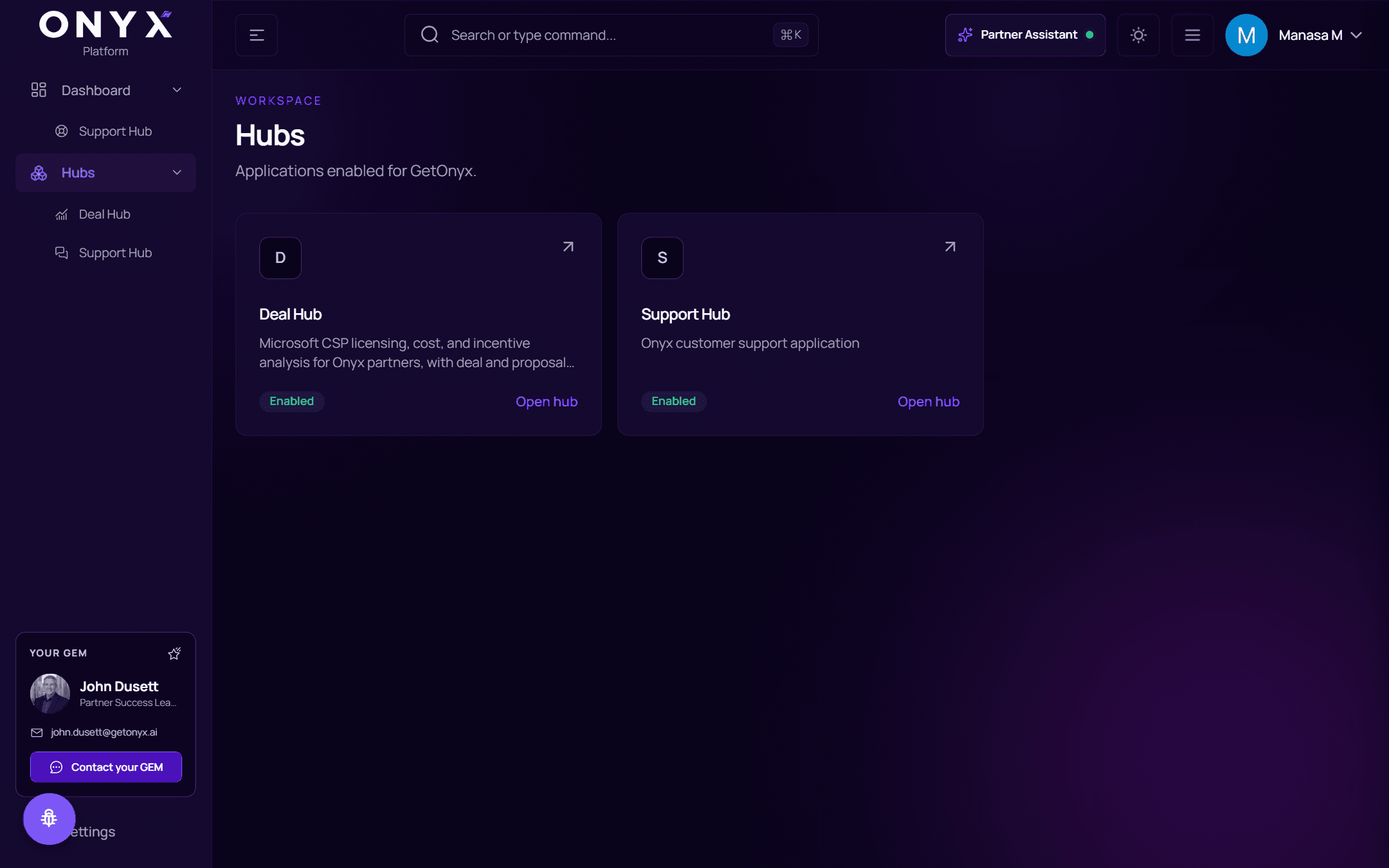
| Hub | What it's for |
|---|---|
| Deal Hub | Microsoft CSP licensing, cost and incentive analysis for Onyx partners, with deal and proposal tools — see Deal Hub |
| Support Hub | Maya, the Microsoft licensing assistant — see SupportHub |
Open a hub
Choose Open hub on its card (or the arrow in the corner), or pick it under Hubs in the sidebar. You're already signed in, so it opens straight away.
Request access to a hub
If a hub is enabled for your organisation but not assigned to you, its card shows Request access.
Choose Request access. The card changes to Request pending.
Your organisation's administrators are notified and approve or deny it — see Team → Access requests.
Once approved, the card shows Enabled and Open hub.
A card marked Work in Progress is in a controlled rollout and can't be requested. If you see No hubs enabled yet, contact your Onyx administrator.